
Watch
SIXTEEN is a series of sixteen short films, one for each part of RXB Workstation. Every sound and every screen in them is RXB Workstation's own, and the music is written and mastered inside it.
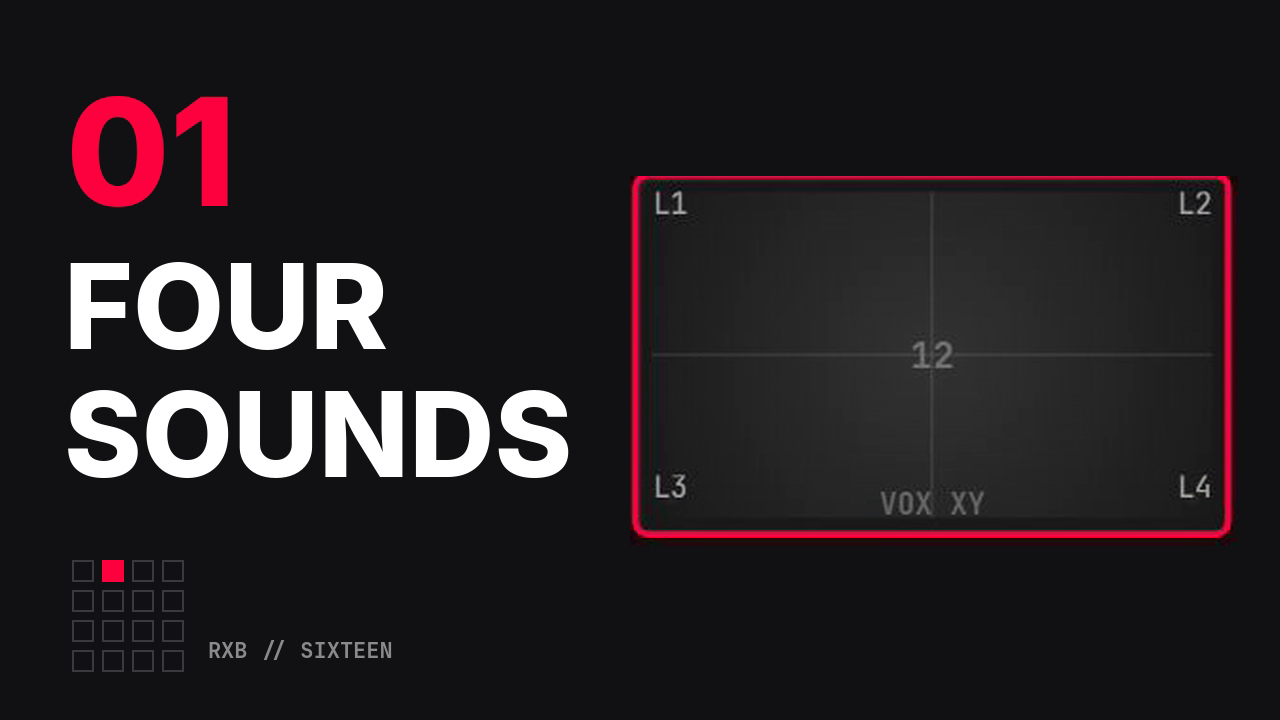
Sixteen pads, zero setup#
Film 01 of 16 · 1:43
Hit a pad and hear it. No track to arm, no routing to set up: sixteen pads, four kits, one screen.
Chapters
0:00Cold open0:08Nothing to arm0:15Four banks, four kits0:24Velocity: how hard you hit it0:30Play from the computer keyboard0:35TUNE, CUTOFF, RESO, DRIVE0:57One pad, four sounds1:17Back to the groove
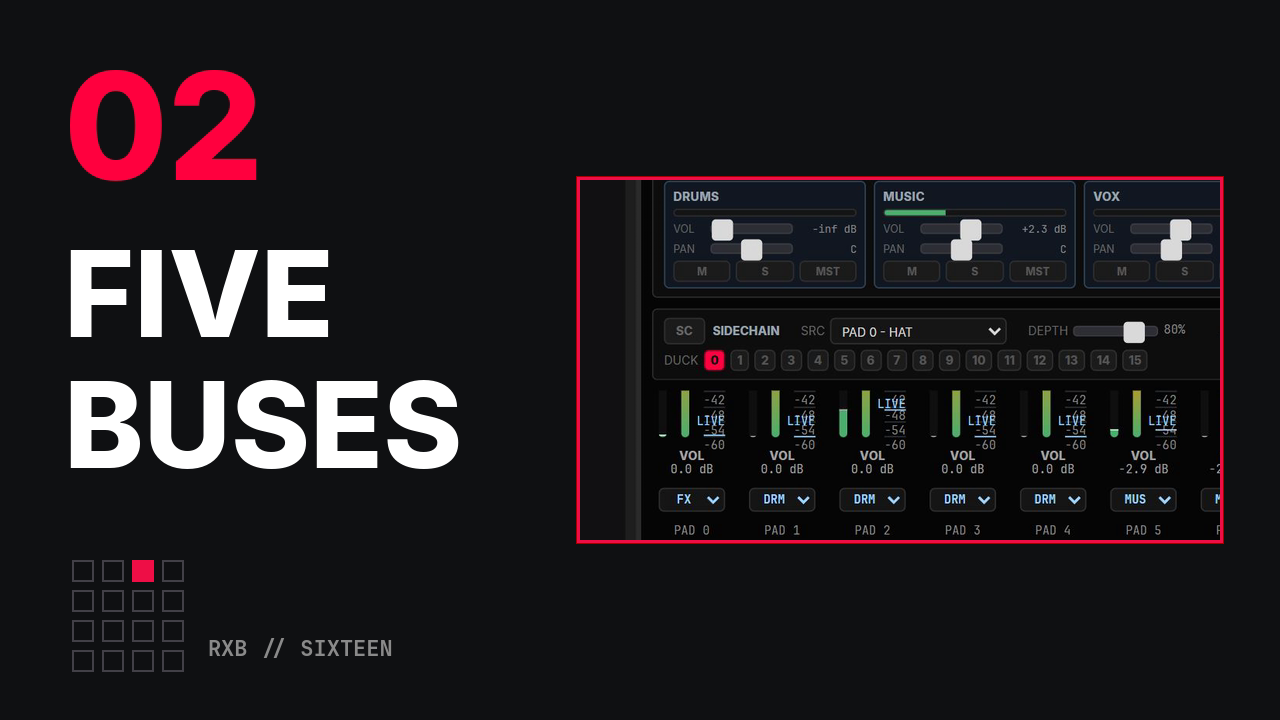
Why your drums fader isn't working#
Film 02 of 16 · 1:49
Put every pad on one bus and the drums fader moves the whole mix. RXB Workstation sums sixteen pads into five buses.
Chapters
0:00Drums fader: the drums go, the 808 stays0:08One bus for everything0:16MASTER and delivery metering0:31Five buses: DRUMS, MUSIC, VOX, FX, BACKING0:44Channel strips and the BUS selector0:57Sidechain: the kick ducks the 8081:16MST / DIR: around the master EQ, never around the limiter1:35The mix
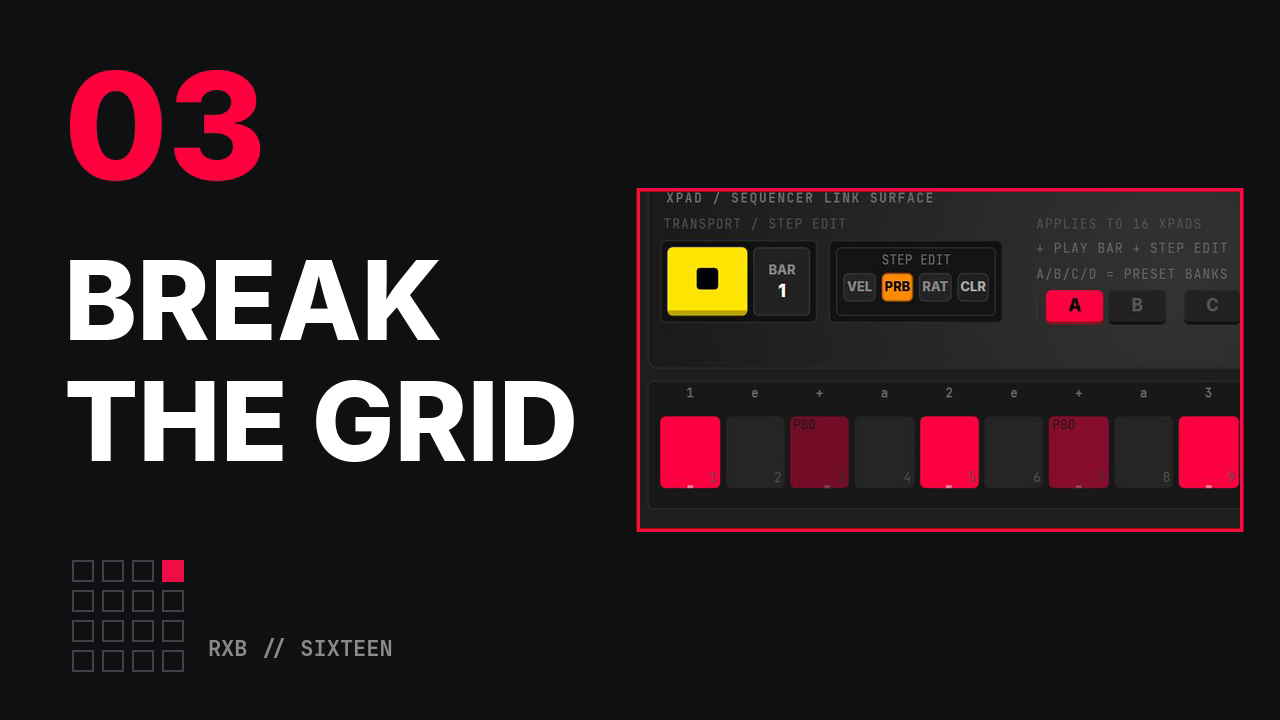
Draw it, then break it#
Film 03 of 16 · 2:10
A perfect grid is why your beats sound programmed. Paint a loop, then break it: volume and pan on every step, swing, probability and ratchets.
Chapters
0:00A stiff grid, and painting the loop step by step0:31Volume and pan on every step1:11Swing, and probability per step1:24Ratchets and the STEP PERF surface1:42The turn: 80% on the snare, then eight bars
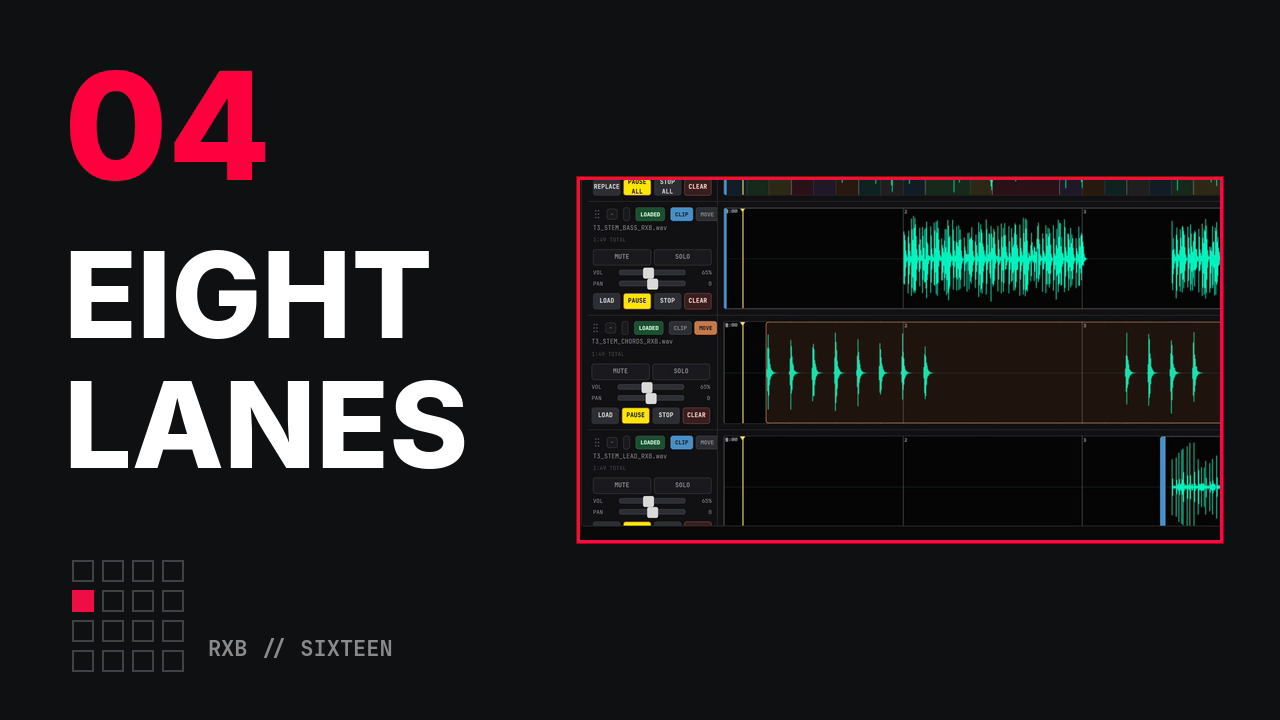
Eight backing tracks, one clock#
Film 04 of 16 · 1:40
Load a stem, trim it, slide it to the measure you want. The DAW tab gives you eight backing-track lanes that share one clock.
Chapters
0:00An empty DAW, and the song's sections already drawn0:08Load a stem into each lane, linked on one clock0:36Ruler: bars and measures0:43CLIP: trim a stem0:51MOVE: put it at the measure you want1:15Solo and mute1:23Volume and pan, per lane1:30One clock
Five colours#
Film 05 of 16 · 2:14
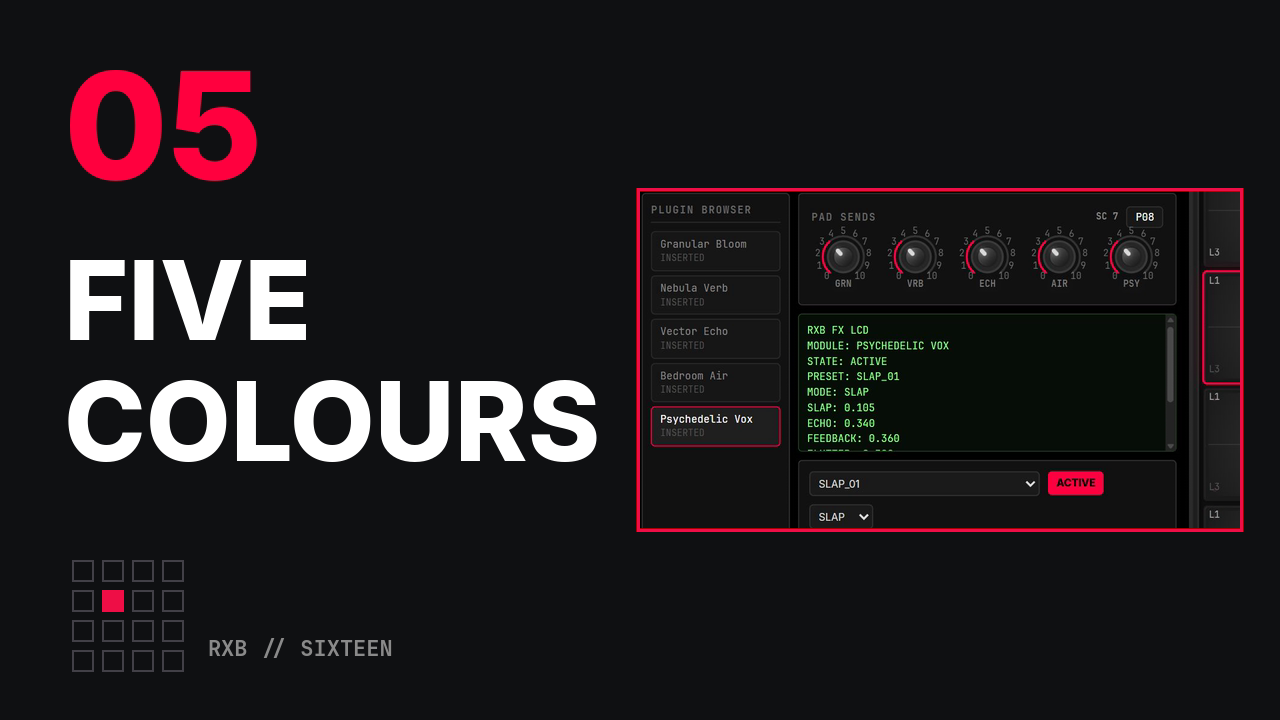
Sends, not inserts. One reverb, sixteen pads, individual amounts. The FX rack has five colours, and every pad has its own send to each.
Chapters
0:00A dry loop, then the same loop through all five0:15Load the modules from the plugin browser0:25Granular Bloom: one send, one colour0:39Nebula Verb0:53Vector Echo1:07Bedroom Air1:21Psychedelic Vox1:35All five sends at once1:49XY WRITE: record where you play the pad
Catch the thing you already played#
Film 06 of 16 · 1:36
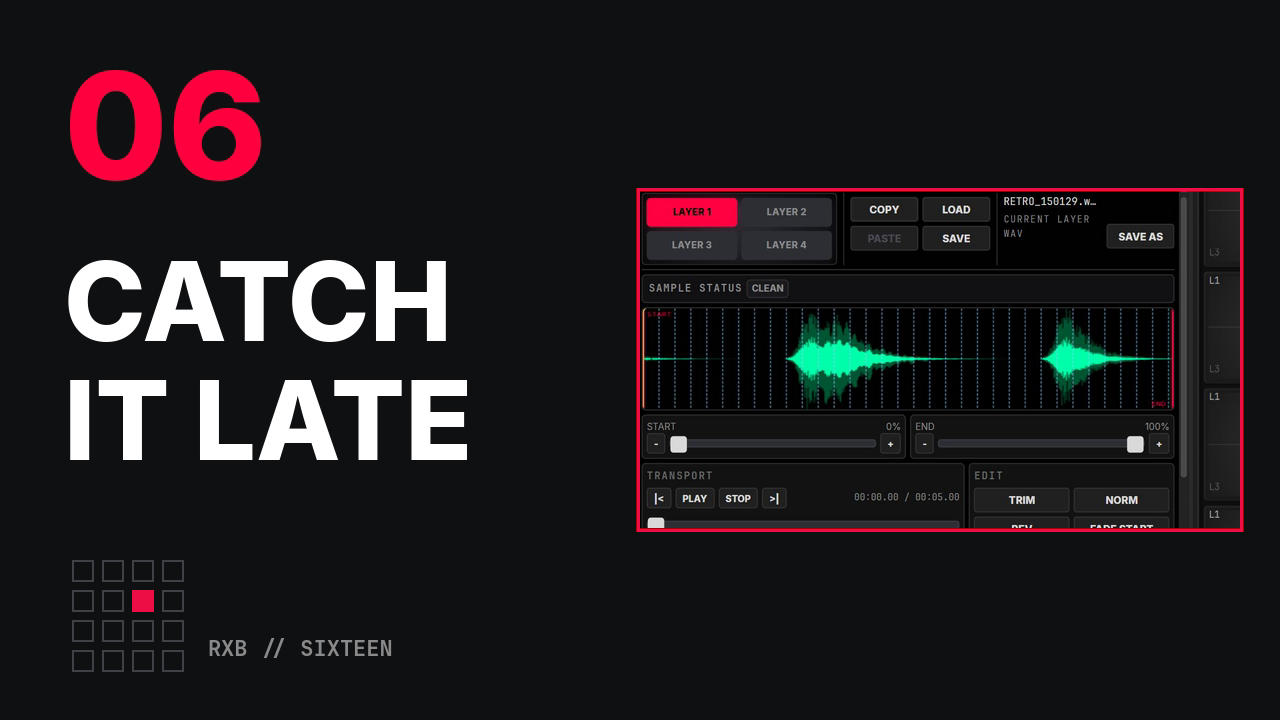
The best take is usually the one before you pressed record. The input keeps a rolling 60-second buffer, and CAPTURE LAST pulls the phrase you just played straight onto a pad.
Chapters
0:00Play a phrase, press CAPTURE LAST: it is on a pad0:10START MON: monitor the input, the RETRO buffer fills0:28Target pad, layer and seconds0:31CAPTURE LAST0:36Play it back, then into a groove0:56RESAMPLE MIX: bounce four bars of the mix to one pad1:17CHOP TO PADS: eight slices1:22The slices, played in order
One pad, four sounds#
Film 07 of 16 · 2:06
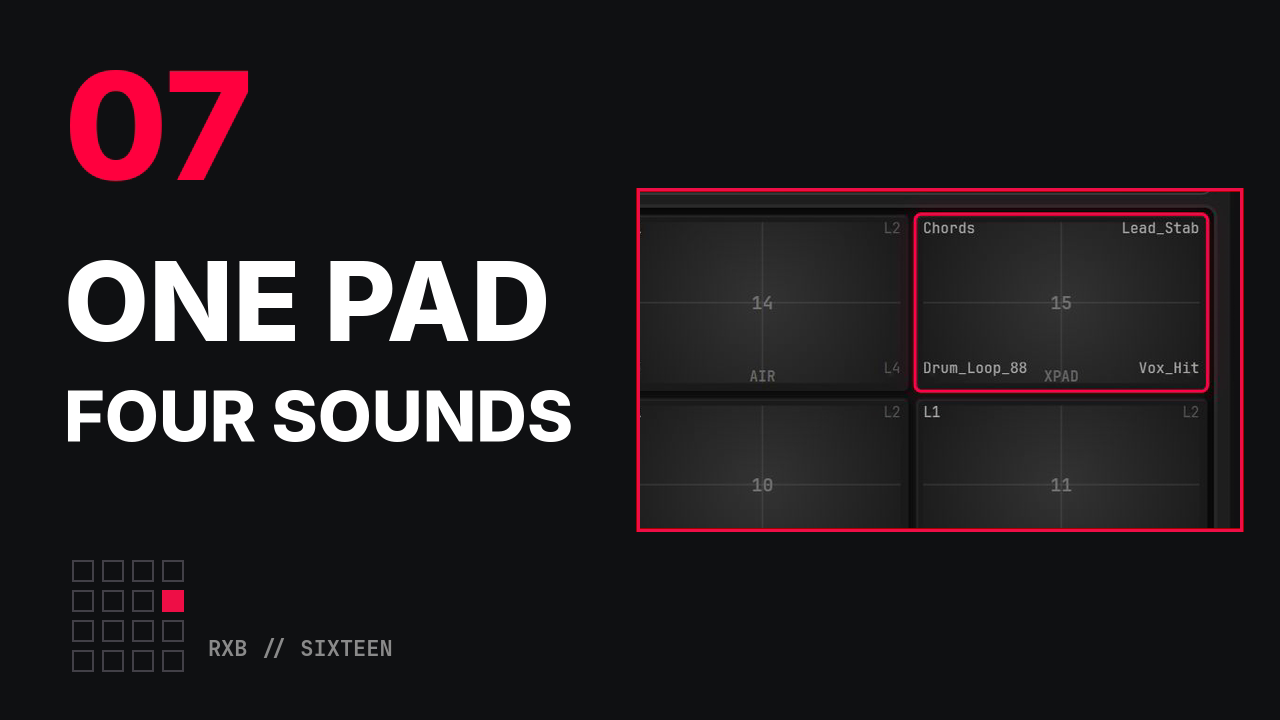
Every pad has four layers, one in each corner, and where you strike the pad picks the sound. Load four sounds, give one its own reverb, fit a loop to the song's tempo, and let the sequencer play the groove from that one pad.
Chapters
0:00One pad, four sounds0:11Load a sound into each layer0:35Every layer has its own settings0:53Fit an 88 BPM loop to 100 with MATCH BPM1:03COPY PAD, and a choke group1:24The groove, played from the one pad
Make a track with your pads as keys#
Film 08 of 16 · 2:44
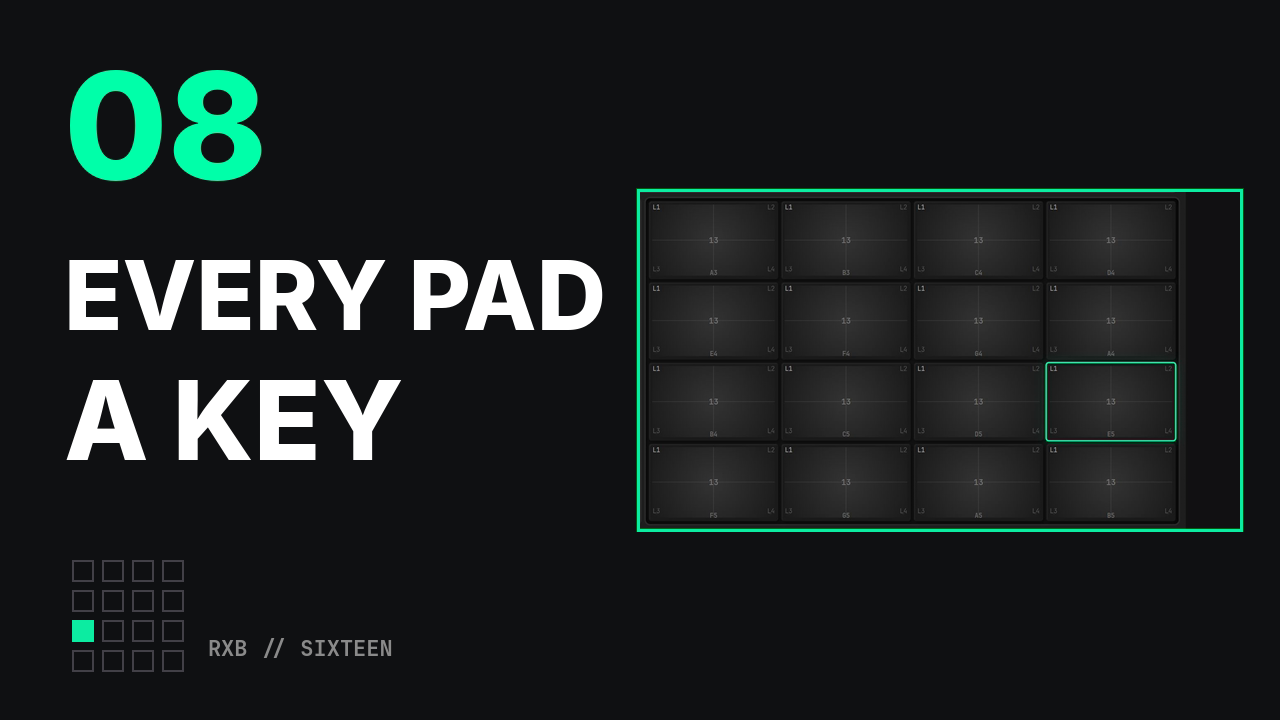
Switch on KEYGRP and the sixteen pads become one keyboard. Pick a sound and a key, play over a loop, keep the melody with CAPTURE LAST, and add an arp on a second sound.
Chapters
0:00The finished track0:20KEYGRP on: a sound and a key0:30Play in key0:48A beat and a melody1:04CAPTURE LAST: keep what you played1:27Add a layer: the arp1:50The track
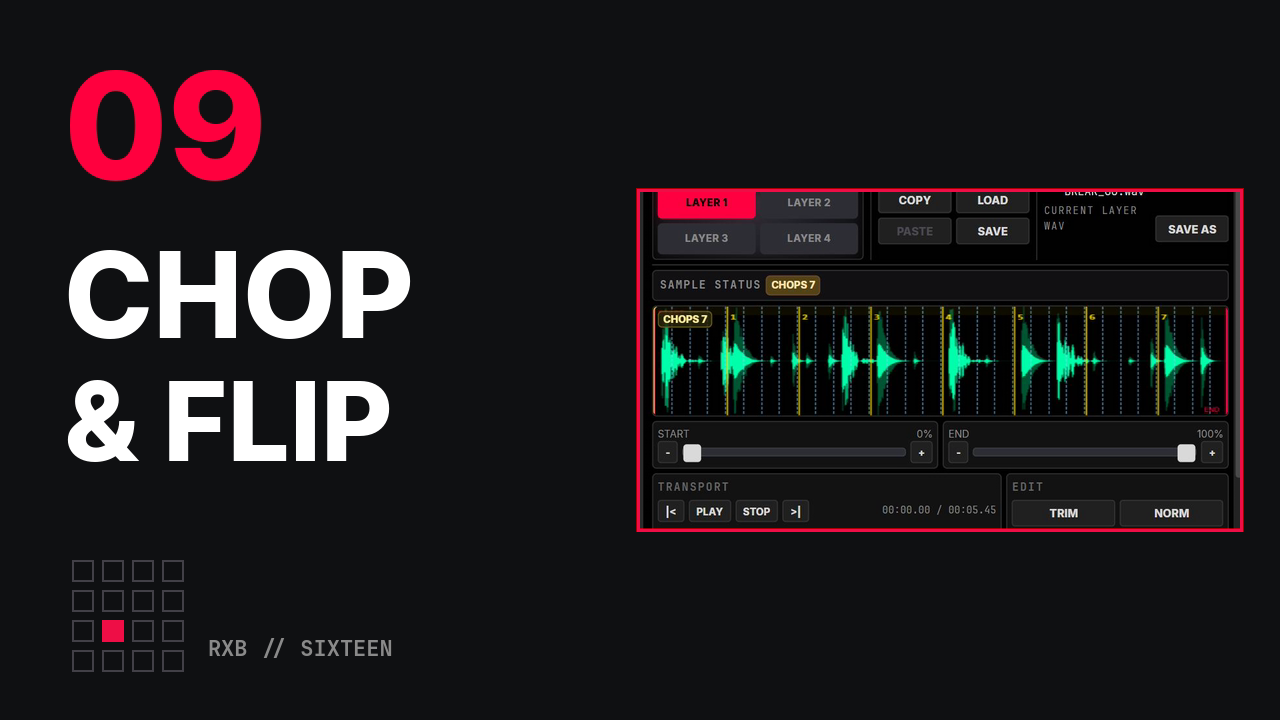
Chop a break, flip a beat#
Film 09 of 16 · 2:55
Load a break, put a marker on every beat, and COMMIT CHOPS: eight chops land on eight pads and the break itself is never cut. Play them in a new order, click it into the GRID, and reverse one chop.
Chapters
0:00The finished beat0:19Load a break0:35Chop it on the beat0:51In order, then a new order1:18Click it into the GRID1:39Reverse one chop, then the beat
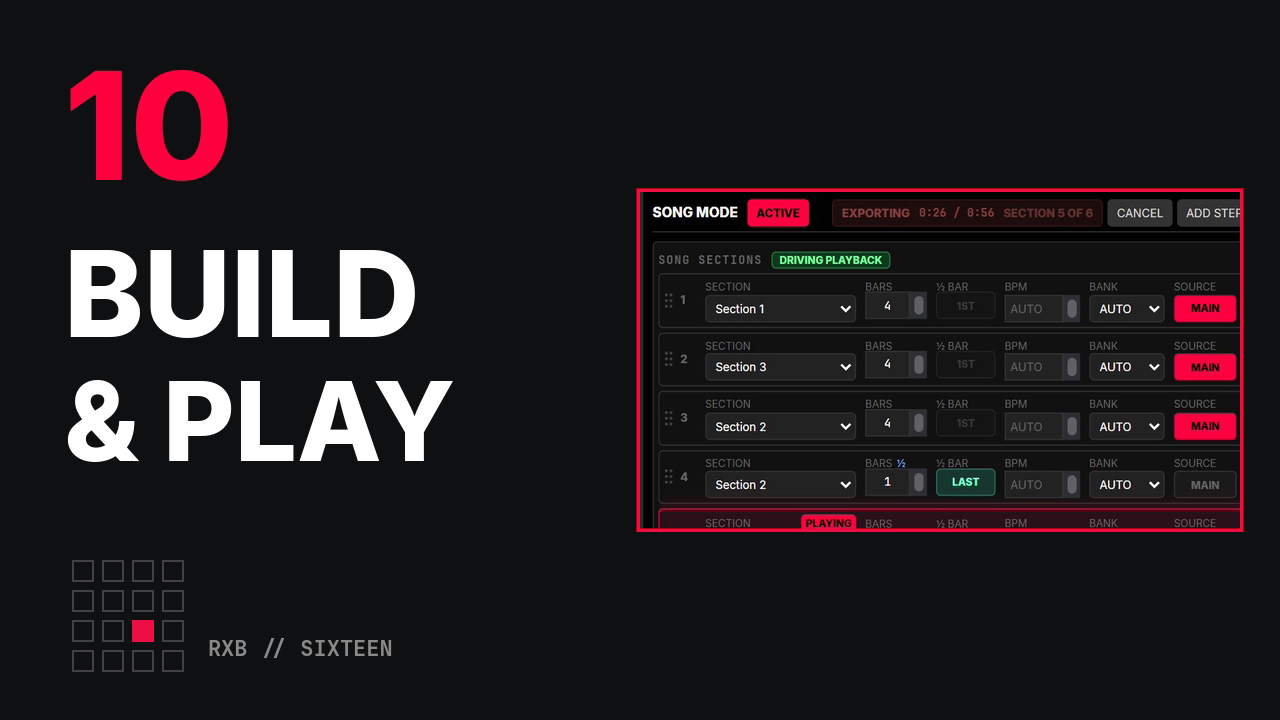
Build a song, then play it#
Film 10 of 16 · 2:09
Try the parts live with the clip launcher, write the song in SONG SECTIONS, turn a snare roll into a one-bar pickup with ½ BAR set to LAST, and let EXPORT ARRANGEMENT play the whole song once, in real time.
Chapters
0:00The finished song0:19The parts, live0:39Write the song0:52The pickup1:10Export: the song, played once
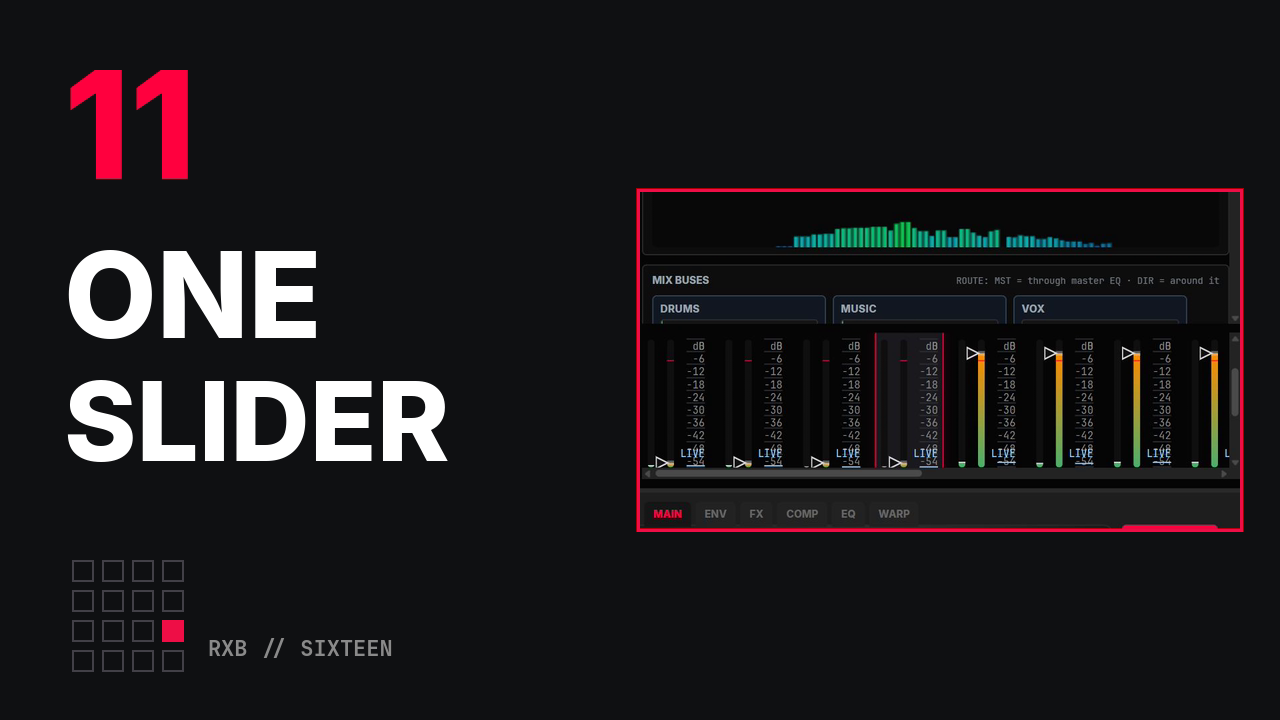
One slider, eight faders#
Film 11 of 16 · 2:25
A macro is one slider that moves many controls. Teach it eight mixer faders, give the drums a negative amount, then play it from the header and watch the mixer follow: a build, a drop, and the drums alone.
Chapters
0:00One slider, eight faders0:19Teach it: LEARN, then touch the faders1:00Negative amounts1:19Play it from the header
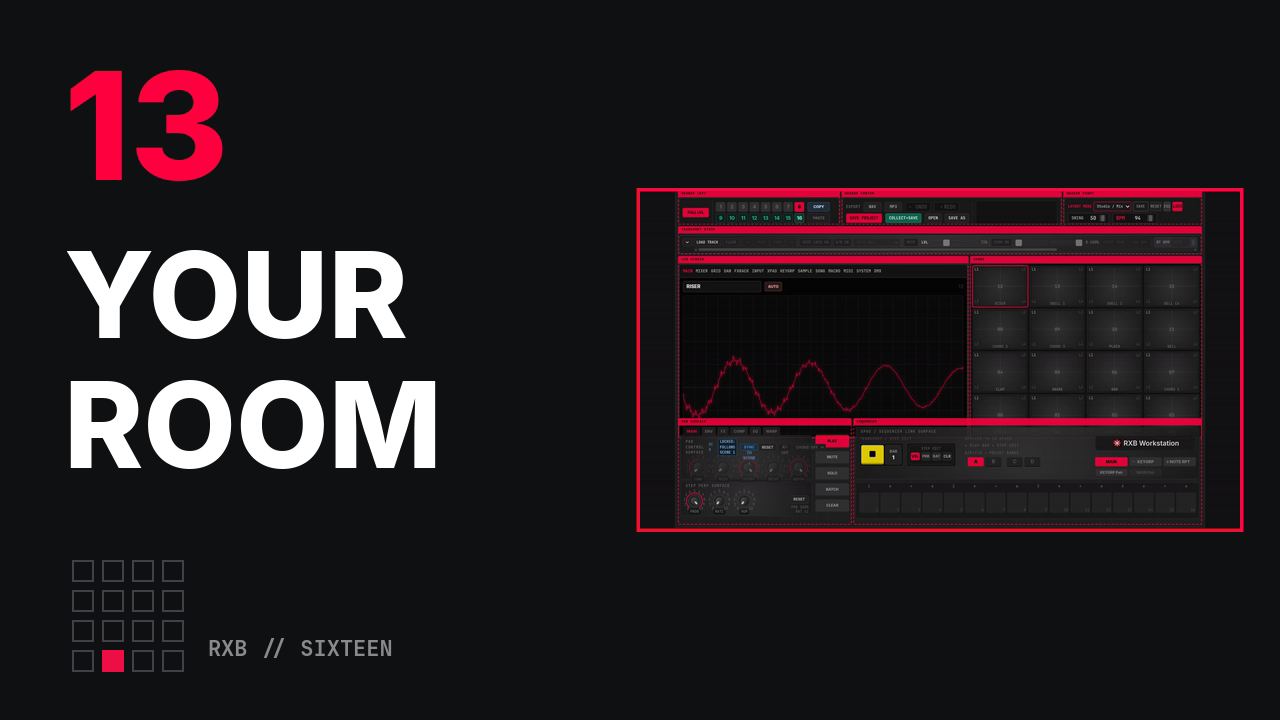
Make it your room#
Film 13 of 16 · 1:35
Set up the room you make music in, while the music plays. LAYOUT mode lets every panel move: start from a preset, drag a border, save it as My Layout and lock it. MASTER EQ tunes the whole mix in one place, then switch rooms mid-groove: the pads big on the left to play, your own layout to mix.
Chapters
0:00Make it your room0:09Arrange: presets, a border, My Layout0:22Tune: MASTER EQ0:42Switch rooms mid-groove
Nothing is loaded from YouTube until you press play. Pressing play loads YouTube's player, which is run by Google and covered by Google's privacy policy. More films are added here as they are published.